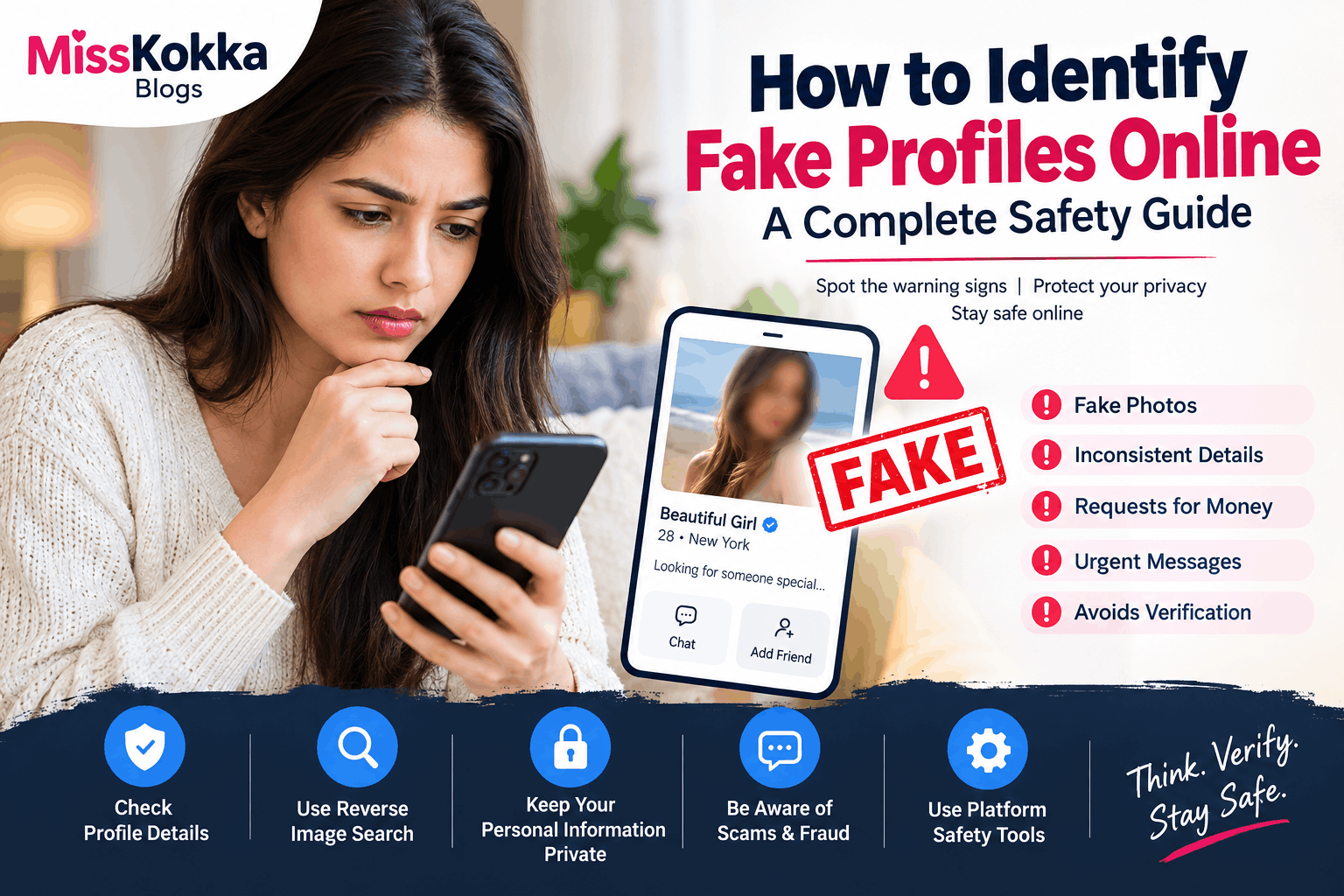
Fake profiles have become a common problem across social networks, dating platforms, classified websites, and online communities. A profile may look genuine because it has attractive photographs, a detailed description, or regular activity, but appearances alone do not prove that an account belongs to the person it claims to represent.
Learning how to identify fake profiles online can help you protect your personal information, money, photographs, and privacy. Whether you are browsing an online classified website such as MissKokka or communicating with someone you have never met, a few simple checks can reveal important warning signs.
What Is a Fake Online Profile?
A fake profile is an online account that uses false, misleading, stolen, or incomplete information to appear as another person or to create a fictional identity.
Some fake accounts are created simply for spam or advertising, while others may be designed to collect personal information, obtain money, steal photographs, or manipulate users.
Not every incomplete profile is necessarily fake. However, several suspicious signs appearing together should encourage you to slow down and verify the information before continuing a conversation.
10 Common Signs of a Fake Profile
1. The Photos Look Too Perfect
One of the easiest warning signs is a profile containing only highly polished photographs.
Images copied from social media, stock-photo websites, or other profiles may be used to create an attractive identity. A reverse image search can sometimes help determine whether the same photograph appears elsewhere online.
However, photographs alone should not be treated as proof. Genuine people can also use professional or edited photographs.
2. Very Little Profile Information
A profile with almost no useful information deserves additional attention.
Look for consistency between the person's description, photographs, location, interests, and communication style. A completely generic description can make verification difficult.
3. Information Keeps Changing
Pay attention when basic information changes repeatedly.
For example, someone may initially mention one location and later provide a completely different location without a reasonable explanation. Similar inconsistencies can occur with age, occupation, availability, or other basic details.
A single mistake does not automatically mean a profile is fake, but repeated contradictions are worth noticing.
4. They Avoid Reasonable Verification
A person does not have to reveal private information simply because another user asks for it. Privacy should always be respected.
At the same time, repeated refusal to provide any reasonable confirmation while making increasingly serious claims can be a warning sign.
Never pressure another person to reveal sensitive information. Instead, use the verification features and safety mechanisms available on the platform.
5. They Ask for Money
A request for money is one of the strongest warning signs of a potential online scam.
Be particularly cautious if someone you have never met asks for:
-
An emergency payment
-
A travel expense
-
A registration fee
-
A verification payment
-
A gift card
-
Cryptocurrency
-
Banking information
-
A payment to unlock a supposed service or account
Do not send money simply because a profile appears genuine.
6. They Create Urgency
Scammers often try to prevent people from thinking carefully.
Messages such as “pay immediately,” “send it right now,” or “this offer disappears in five minutes” are designed to create pressure.
A genuine opportunity does not necessarily require you to make an impulsive financial decision. If someone is pressuring you, pause the conversation and verify independently.
7. They Quickly Ask for Personal Information
Be careful when a new online contact immediately asks for your:
-
Full legal name
-
Home address
-
Identification documents
-
Bank details
-
Passwords
-
One-time passwords
-
Private photographs
-
Workplace information
-
Exact daily schedule
You should never share passwords or OTPs with another person.
8. Their Communication Feels Inconsistent
Scammers may use copied messages, automated responses, or information that does not match the profile.
Watch for conversations that feel unusually generic, repetitive, or disconnected from what you previously discussed.
Poor grammar alone does not prove that an account is fake. People communicate in different languages and writing styles. Look for a combination of behavioral and informational warning signs instead.
9. They Insist on Moving Away From the Platform
A person may have legitimate reasons for preferring another communication method. However, moving immediately to an external messaging app can reduce the protection provided by the original platform.
If someone insists that you leave the platform immediately and then asks for money or sensitive information, be especially cautious.
10. The Story Sounds Unusually Complicated
A complicated story involving repeated emergencies, unusual payment arrangements, secret circumstances, or multiple excuses can be a warning sign.
Take a step back and consider whether the overall situation makes sense rather than focusing on one individual message.
How to Verify an Online Profile Safely
Verification should protect both people involved. Do not attempt to obtain private information illegally or invade someone's privacy.
Start by checking whether the profile information is internally consistent.
You can also:
-
Examine the account's activity history.
-
Check whether photographs appear elsewhere publicly.
-
Look for contradictory location or biographical information.
-
Use the platform's reporting or verification features.
-
Avoid clicking suspicious links.
-
Never share passwords or OTPs.
-
Avoid sending money to someone you cannot independently verify.
-
Keep conversations on the platform when appropriate.
The goal is not to investigate someone's private life. The goal is simply to recognize obvious warning signs before making a decision.
Why Reverse Image Search Can Help
A reverse image search can sometimes identify whether a photograph has appeared publicly under another name.
For example, if a profile photograph appears on multiple unrelated accounts in different cities, that may indicate that the image has been copied.
Remember that reverse image searches are not perfect. An image not appearing in search results does not prove that the profile is genuine.
Use image checks as one part of verification, not as the only test.
Protect Your Personal Information
Online safety begins with controlling what you share.
Avoid publishing sensitive information such as your home address, financial details, government identification numbers, passwords, or private documents.
Consider using privacy settings on social networks and avoid connecting every personal account to a public classified profile.
It is also useful to use strong, unique passwords and enable two-factor authentication wherever available.
What to Do If You Suspect a Fake Profile
If you believe an account may be fraudulent, do not confront the person aggressively or attempt to investigate them yourself.
Instead:
Stop: Do not send additional money or sensitive information.
Save: Keep relevant messages, profile details, and transaction records if you may need to report the account.
Block: Use the platform's blocking tools if appropriate.
Report: Report suspicious behavior through the website or application's official reporting system.
Protect: If you have already shared passwords or financial information, change affected passwords and contact the relevant financial institution or service provider.
What If You Already Sent Money?
If you believe you have been scammed, act quickly.
Contact your bank or payment provider and ask what recovery or fraud-reporting options are available. Preserve transaction information and relevant communications.
Do not send additional money because someone claims they can recover your original payment for another fee. Recovery scams are another common way victims can lose money.
If personal accounts have been compromised, change passwords immediately and enable additional security measures.
Fake Profiles Are Not Always Obvious
A major mistake is assuming that fake profiles always look suspicious.
Some fraudulent accounts may contain:
-
Several photographs
-
Detailed descriptions
-
Multiple social media links
-
Long histories of activity
-
Professional-looking messages
That is why users should evaluate the overall behavior and consistency of an account instead of relying on a single feature.
A profile photograph is not proof of identity, and a detailed biography is not proof of authenticity.
Online Safety Checklist
Before continuing a conversation with an unfamiliar profile, ask yourself:
-
Does the information remain consistent?
-
Do the photographs appear credible?
-
Is the person pressuring me?
-
Are they requesting money?
-
Are they asking for sensitive information?
-
Are they sending suspicious links?
-
Are they trying to bypass platform safety features?
-
Does the overall story make sense?
-
Can I use the platform's reporting or verification tools?
If several answers raise concerns, it is better to stop and reassess.
Frequently Asked Questions
How can I tell if an online profile is fake?
Look for multiple warning signs, including inconsistent information, suspicious photographs, pressure to communicate outside the platform, requests for money, and attempts to obtain sensitive personal information.
Can a profile with real photos still be fake?
Yes. Someone can use photographs belonging to another person. A genuine-looking photograph does not independently verify the identity behind an account.
Should I send money to someone I met online?
Be extremely cautious. Sending money to an online contact you cannot independently verify can expose you to financial scams.
Is asking for an OTP safe?
No. Never share a one-time password with another person. OTPs can be used to authorize access or transactions.
What should I do if a profile asks for my ID?
Do not automatically send identification documents. First determine why the information is supposedly required and whether the request comes through a legitimate, secure verification process.
Can reverse image search prove a profile is fake?
No. It can provide useful clues, but it cannot prove that a profile is genuine or fraudulent by itself.
Should I click links sent by unknown profiles?
Avoid suspicious or unexpected links. They may lead to phishing pages, malware, or fraudulent websites.
What should I do when an online contact pressures me?
Stop the conversation if necessary, avoid sending money or personal information, and use the platform's block and report features.
How can I report a suspicious account?
Use the platform's official reporting mechanism. Provide accurate information and preserve relevant evidence if required.
Is every new or incomplete profile fake?
No. A new or incomplete profile is not automatically fraudulent. Consider the complete context and look for several independent warning signs.
Final Thoughts
Online platforms can be useful places to discover people, communities, and opportunities, but users should remain aware of digital safety risks. The best protection is not assuming that every profile is fake or that every profile is genuine.
Instead, take time to evaluate information, protect personal details, avoid unexpected payments, recognize pressure tactics, and use the safety and reporting tools provided by the platform.
When something feels inconsistent, slow down before you act. A few minutes of careful checking can help prevent much bigger problems later.


.png)